

Accessing Sophos Encrypted Emails
Below is a screenshot of what you will have received when an encrypted message is sent.
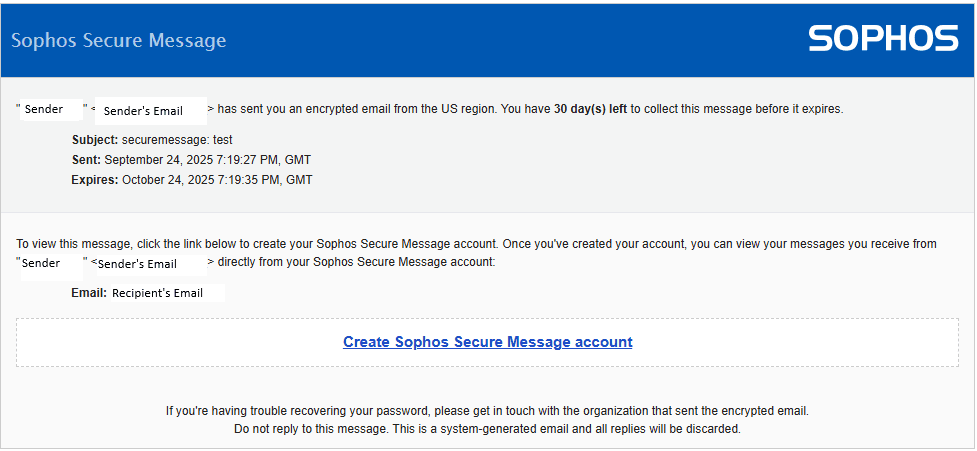
Clicking on Create Sophos Secure Message account will take them to a webpage for account setup.
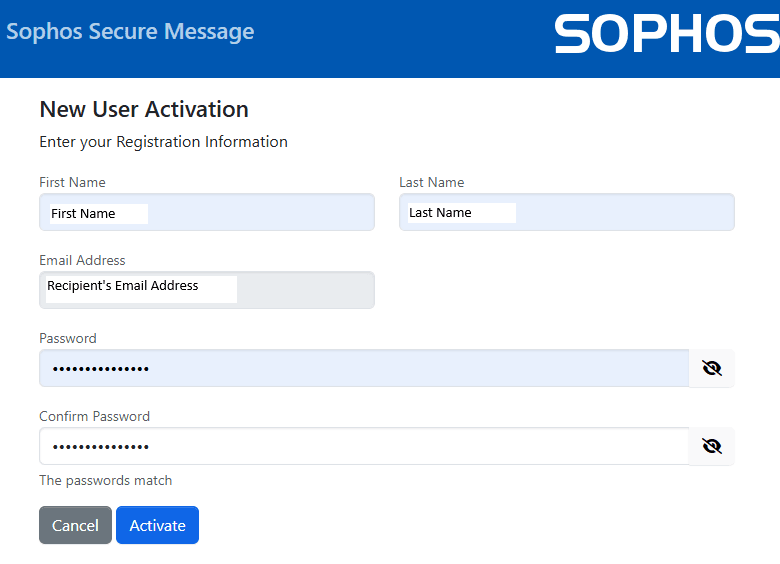
Once an account is created, you'll be asked to sign in.
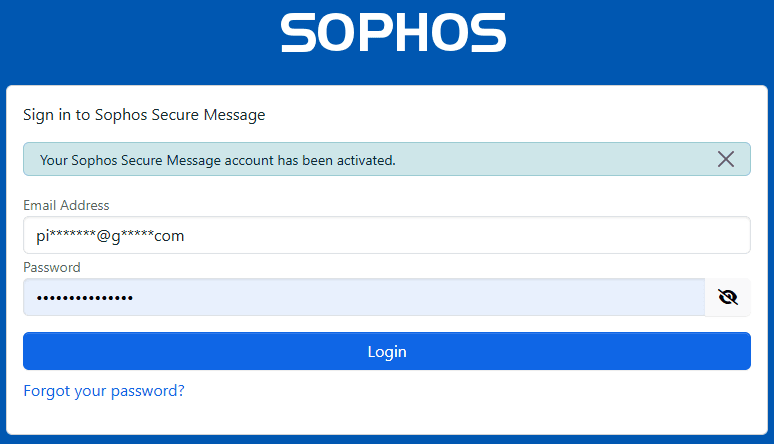
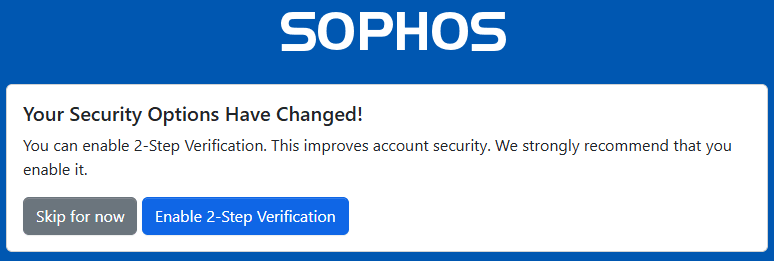
After signing in, you may be asked to setup 2-Step Verification, that is up to you, for my example I’ll select Skip for now.
After that, the message is displayed.
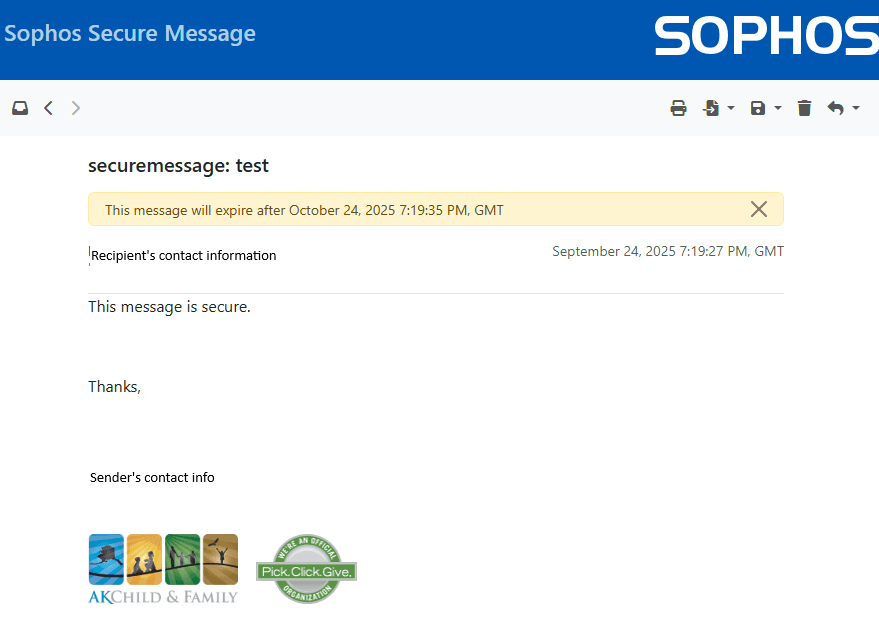
Once the account is setup, You'll be able to sign in to view any future messages.
Important Note: If your organization routinely works with AK Child and Family, it's possible to bypass the need to sign in to view messages. You'll have to speak with your IT department about enabling TLS 1.3.


